Development Environment
Note
The plugin SDK is still in development. We’re missing lots of documentation and tooling. Please don’t hesitate to reach out to feedback@digitalcarrot.app for help.
Fork/Clone the Plugin Repository
Visit digital-carrot-app/plugins.
git clone git@github.com:digital-carrot-app/plugins.gitCreate a new directory for your Plugin
cd plugins
cp -r example my_new_plugin
Add your plugin to plugin-index.json
{
  "plugins": {
    "my_new_plugin": {
      "path": "my_new_plugin"
    }
  }
}
Configure Digital Carrot to load Local Plugins
Create a developer.yaml file in your Digital Carrot directory.
enable_developer_mode: true
repository_settings:
  "github.com/digital-carrot-app/plugins":
local_checkout_path: "/path/to/my/plugins/checkout"- Mac:
~/Library/Application Support/DigitalCarrot/developer.yaml
Reload the Plugin Catalog
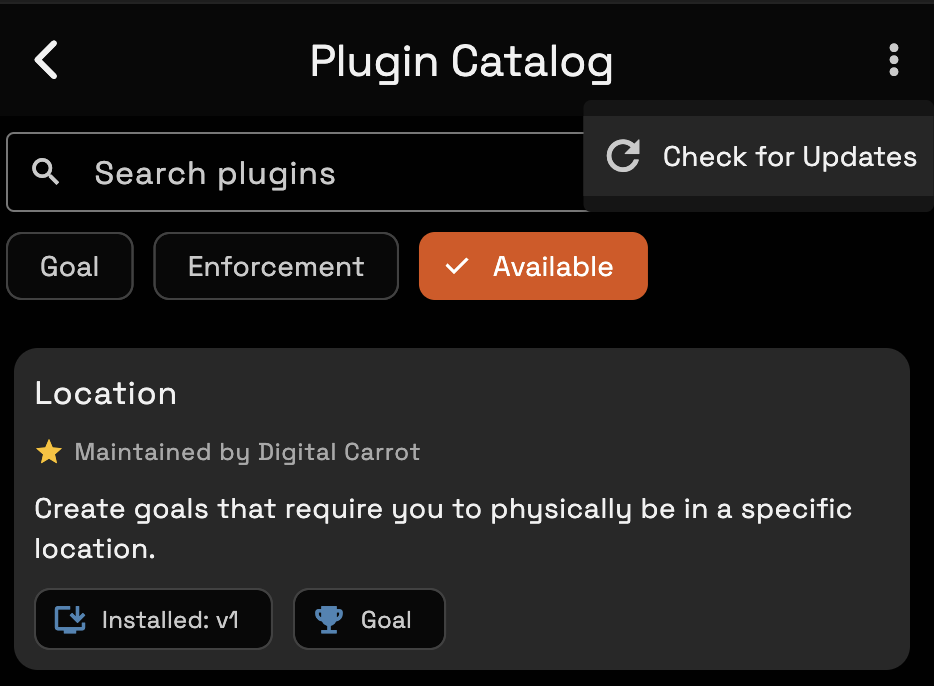
Your plugin should now be installable.