Uninstall on MacOS
Uninstall on MacOS
Whoopsie
Looks like you tried to uninstall the Mac App while uninstall prevention was active.
You’ll need to re-download the app in order to fully uninstall it.
If you want to fully uninstall Digital Carrot make sure you do the following:
- Ensure that all of your blocklists are unblocked.
- Disable commitment mode on all of your blocklists.
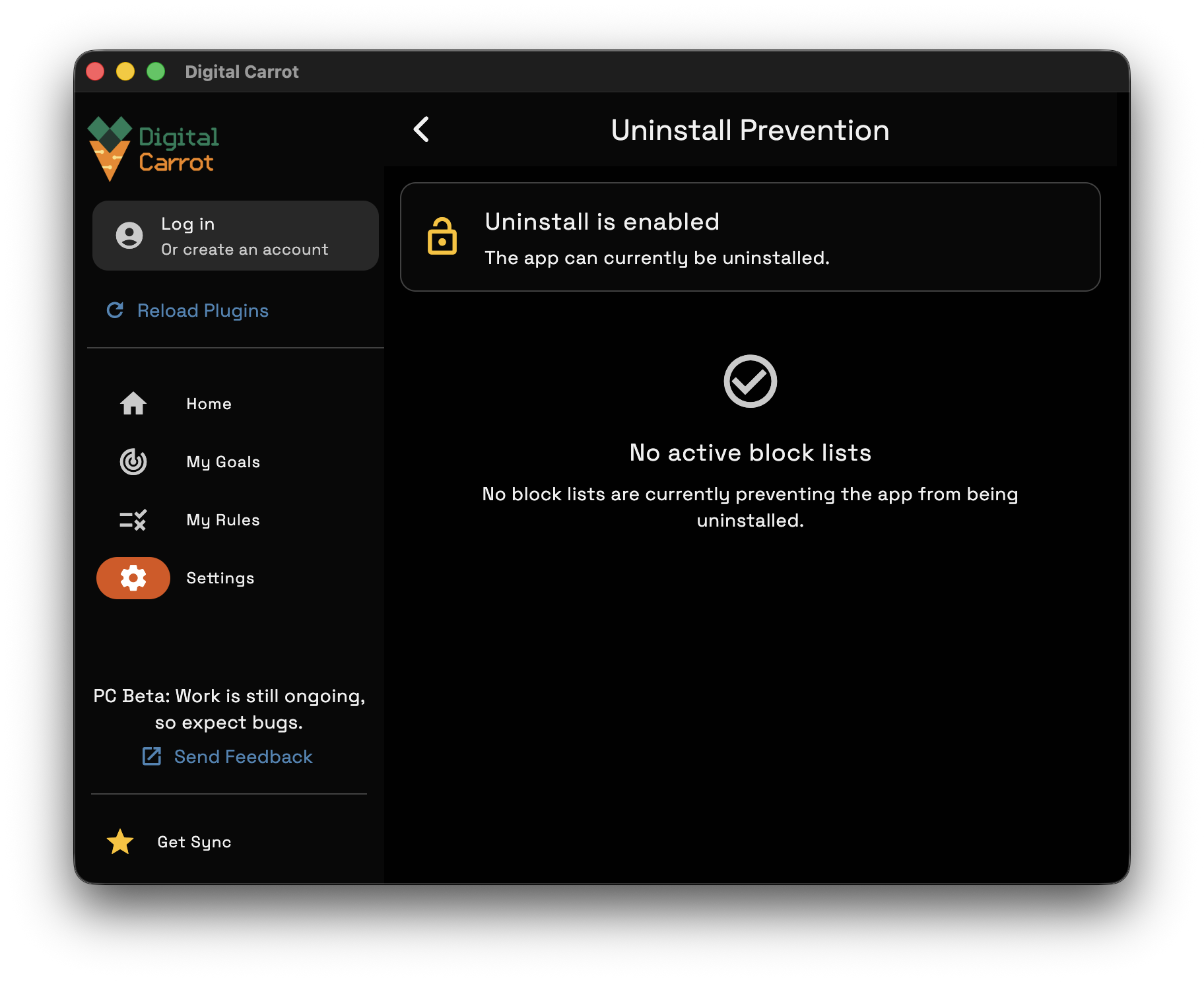
Once you do that, go to Settings > Uninstall to see if uninstall protection is disabled.